Presets
Vocal & Mastering Presets
These are the chains I actually use, saved as presets. Load one and a demo stops sounding like a demo. Available formats vary by pack. Check the compatibility guide below before choosing yours.
Vocal presets
Professional vocal chains.
Instant, radio-ready sound across all major plugin platforms.
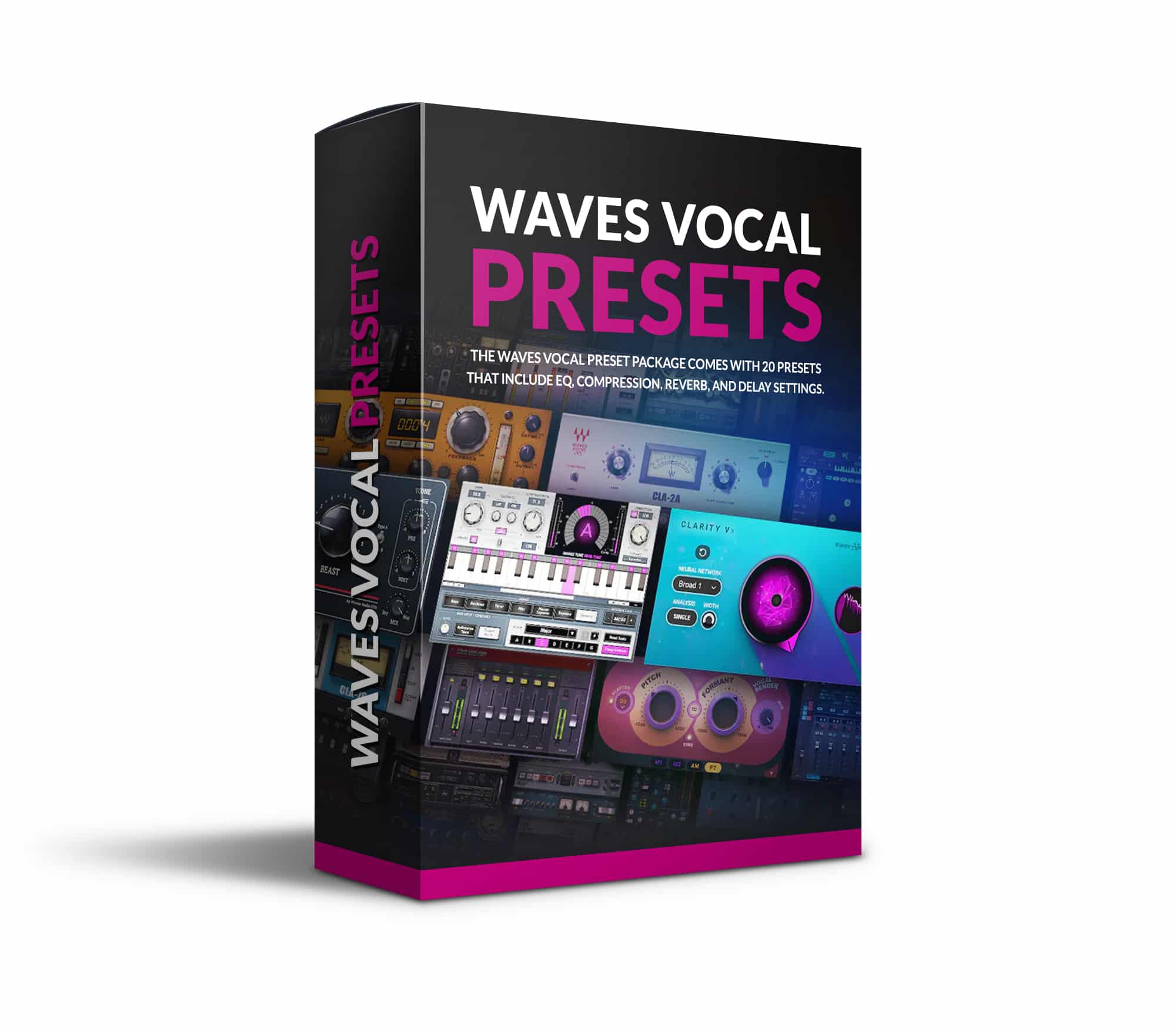
Waves Vocal Presets
$34.99
Twenty vocal chains for Waves. EQ, compression, reverb and delay already set, so you start with a sound rather than a blank plugin. Good for most voices straight out of the box.
Buy now
UAD Spark Vocal Preset
$34.99
Ten vocal chains built entirely from UAD Spark plugins, so if you have the subscription you already own everything you need. EQ, compression, reverb and delay spread are set for you.
Buy now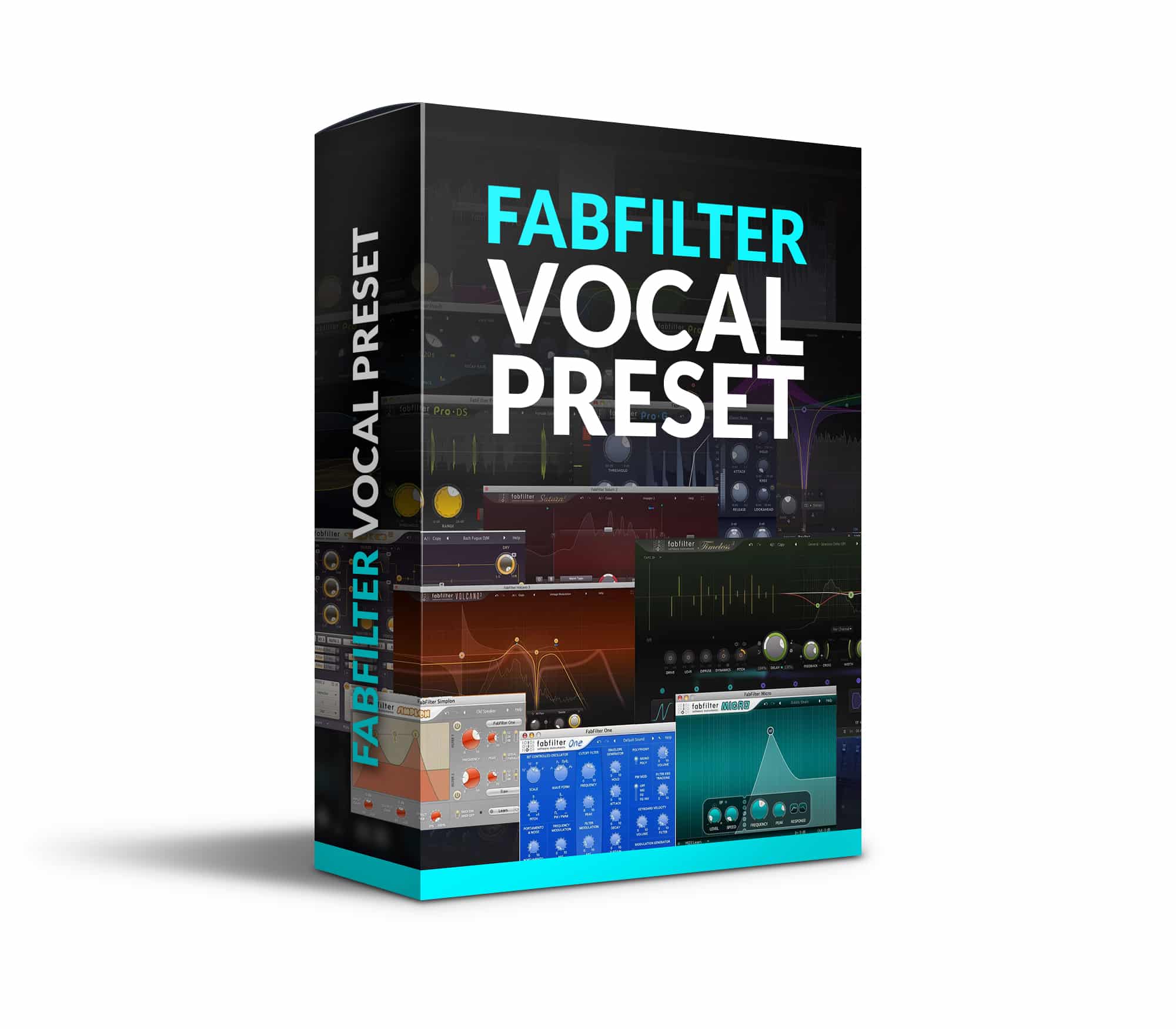
FabFilter Vocal Preset
$34.99
Ten vocal chains for FabFilter, wired up the way I use them, with the EQ and compression already in the right places for a lead vocal.
Buy now
Plugin Alliance Vocal Preset
$34.99
Ten vocal chains for Plugin Alliance, with the EQ, compression, reverb and delay already dialled in. Load one, drop your vocal in, and you are most of the way there before you touch anything.
Buy nowMastering presets
Professional mastering chains.
The final polished, radio-ready sound.
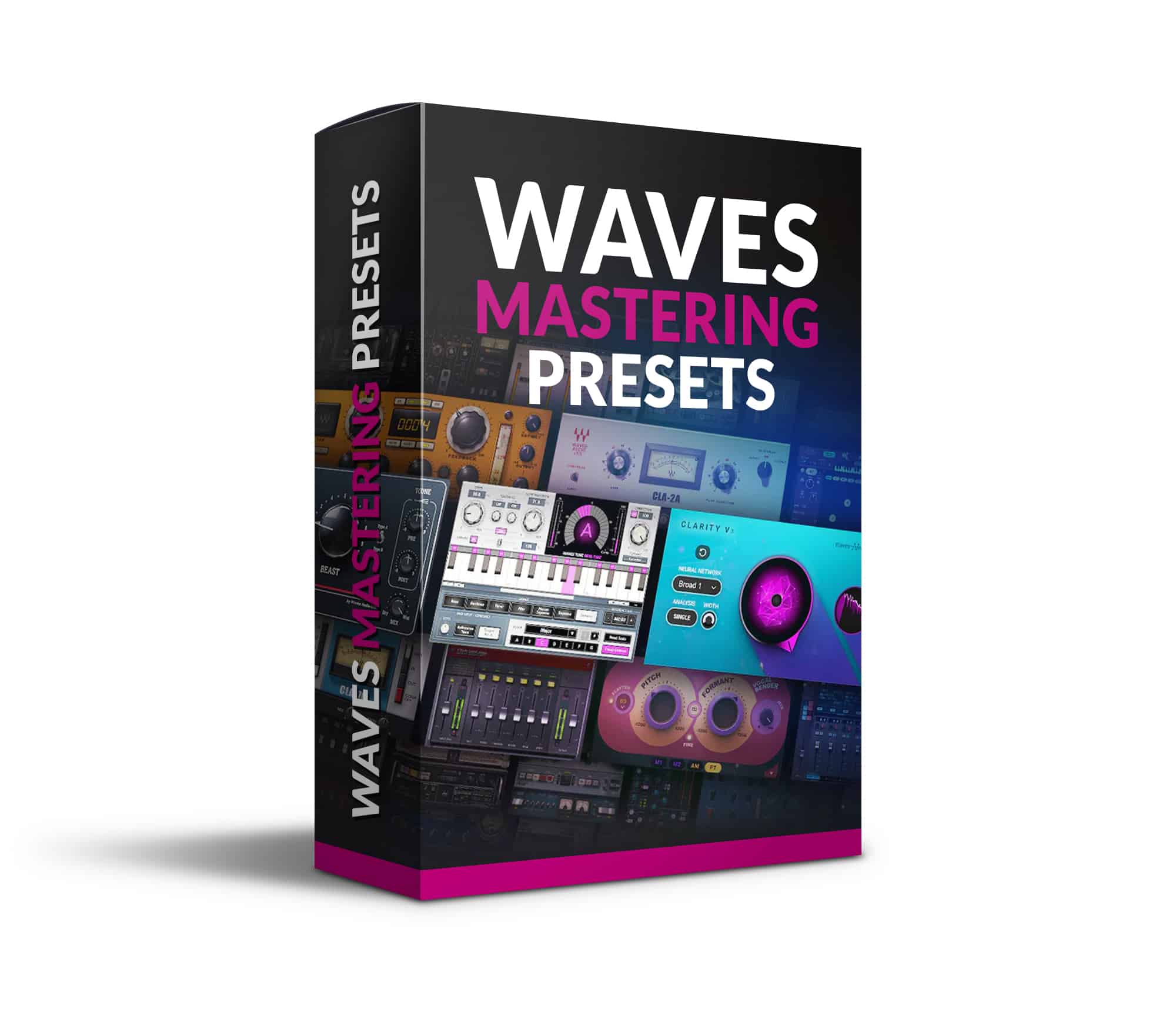
Waves Mastering Presets
$34.99
Seven mastering chains for Waves. EQ, compression, width, saturation and loudness, each one a finished starting point rather than a blank slate. Worth having even if you only want to see how a master is put together.
Buy now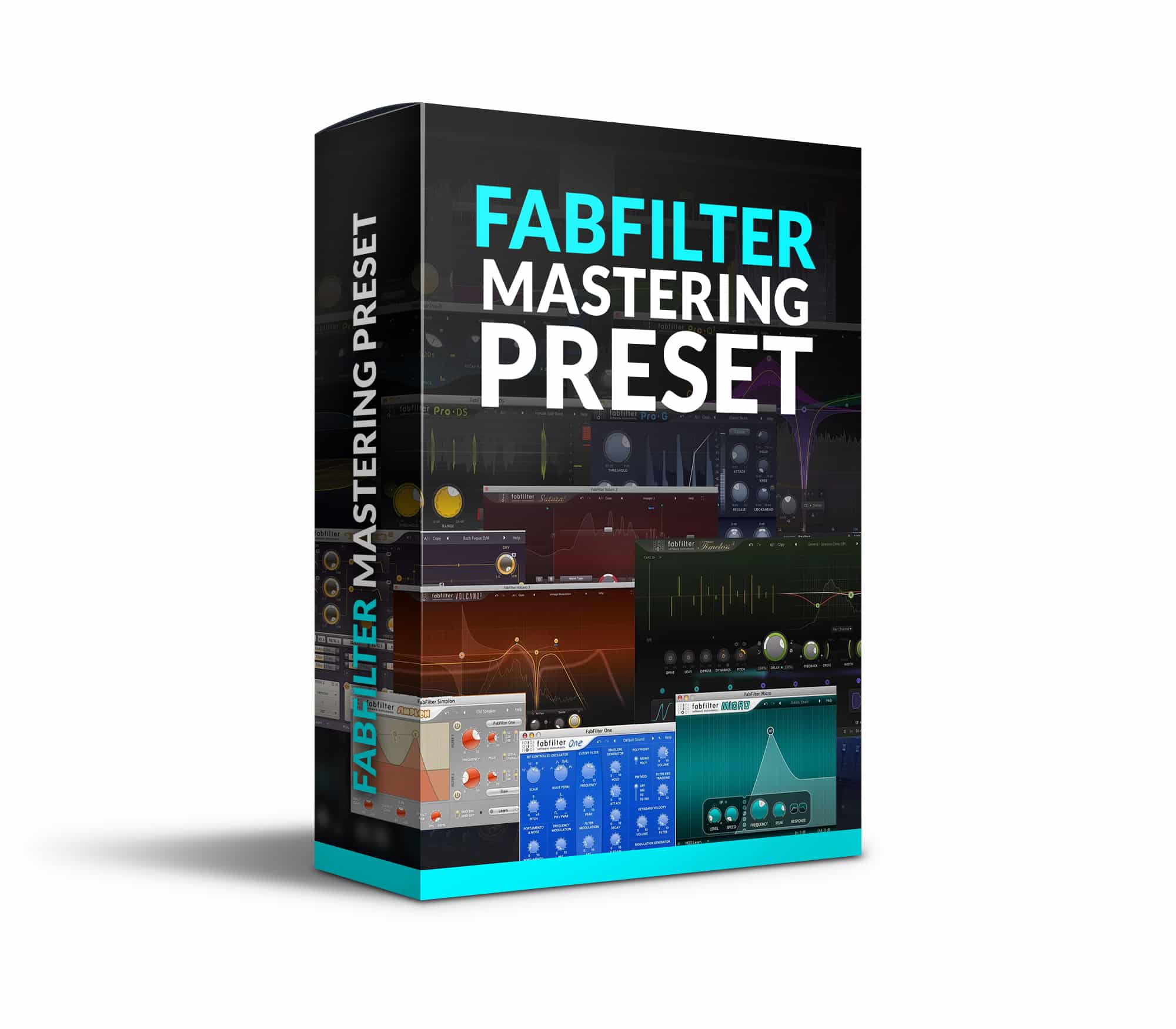
FabFilter Mastering Presets
$34.99
Ten mastering chains for FabFilter. EQ, compression and loudness already set, with starting points for hip-hop, pop, R&B and rock. Pick the closest one and adjust from there.
Buy nowBefore you download
Vocal presets for FL Studio and other DAWs: what you need
A preset saves plugin settings; it does not include the plugins themselves. Choose a pack for the tools you own, then check its product page for the required plugins and supported loading format before you buy.
Using FL Studio?
FL Studio is supported by the Waves Vocal, FabFilter Vocal, Plugin Alliance Vocal and Waves Mastering packs. FabFilter Mastering and UADx (UAD Spark Vocal) do not support FL Studio. You still need the plugins used by that pack. A preset made for one plugin family will not load as a chain of FL Studio stock plugins.
Loading your chain
Use the DAW or plugin-host format supplied with your pack and follow its loading instructions. Install the required plugins first, load the chain on your vocal or master channel as appropriate, then adjust the input level and settings to suit your recording.
Free preset or paid pack?
The free vocal preset is a separate download you can try on your own track. The vocal and mastering packs above are paid collections at $34.99 each. Check the requirements for the free download too; a free preset does not make its required plugins free.
Try before you buy
Want to hear the difference first?
Download a free vocal preset and try it out on your own track.
“I start my song creation process with Matty’s Vocal Presets, which often not only serve as a foundation but, in several instances, have become the definitive vocal sound in my tracks released on Spotify.”
Cam Meekins
Go deeper
Looking for something a little more in-depth?
Presets get you a professional starting point. If you want to understand the decisions behind them. On your own song, that’s what the coaching package is for.