
Mastering for Spotify
Loud enough to hold its own, in any playlist.
You have probably read that you should master to -14 LUFS for Spotify. That is a published target, not a recipe, and following it literally is how records end up sounding soft next to everything around them. I master to compete. Ranked top 1% worldwide for mixing and mastering on Muso.ai, Apple Digital Masters certified. Unlimited revisions free for first-time clients.
The -14 LUFS myth
Why that number is the wrong thing to chase.
Spotify publishes a loudness target of -14 LUFS integrated. Most tutorials tell you to hit it and stop thinking. That is how you end up with a master that sounds thin and buried in a playlist next to records made by people doing this professionally.
The real job is to push the master as loud and as competitive as the material allows, right up to the point before dynamics collapse or distortion creeps in. A limiter is not the enemy. Limiting is part of what gives modern records their edge. The mistake is at either end: under-limit and it sounds soft, over-limit and it sounds crushed. Threading that needle is the whole skill, and it is not something a number tells you.
There is also technique involved. LUFS gating uses the way Spotify measures integrated loudness so your track reads within the threshold while the loud sections play back harder than the algorithm would otherwise allow. That comes from doing this on major-label releases, not from a tutorial.
What you get
Every master, every platform.
Not just loud. Right for where it is going to be played.
Loudness that actually competes
Pushed to the loudest the material will take without distortion or dynamic collapse, engineered so the integrated reading satisfies Spotify while the choruses still hit.
Apple Digital Masters certified
The only mastering standard that guarantees your music is encoded and delivered at the highest quality Apple Music supports.
Analog mastering chain
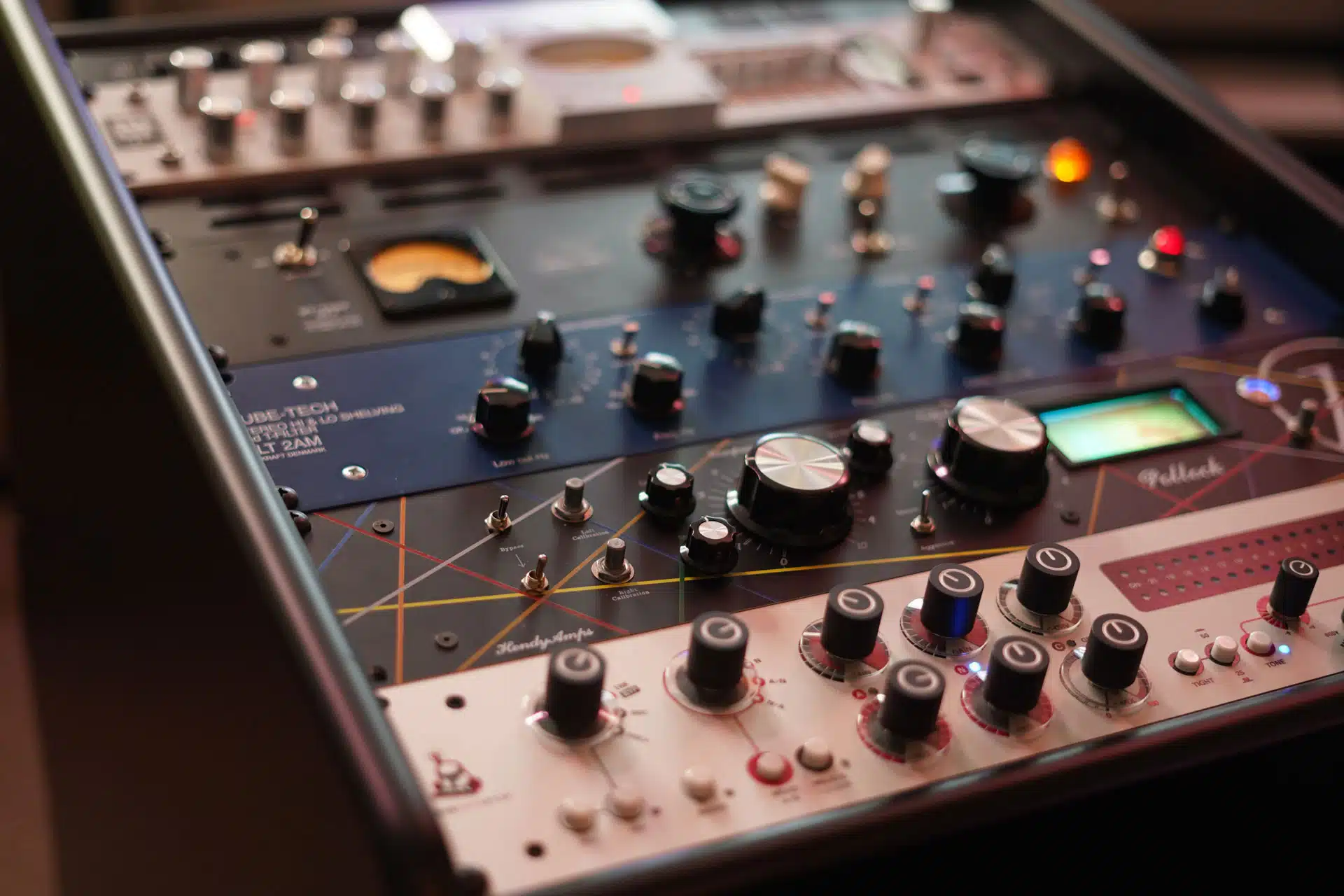
Hardware EQ, compression and limiting before anything digital touches it. That is what keeps a master sounding full after normalisation has done its work.
A master per platform
Spotify and Apple Music normalise to different levels, so you get a version tuned for each rather than one file compromised across both, plus a standard WAV for everything else.
Revisions until it is right
Three rounds as standard. First-time clients get unlimited rounds free. Claim your code.
Fast when you need it
Two to four business days as standard. A rush option gets the first version back within 48 hours when the release date will not move.
How it works
Four steps. Two to four days.
01
Send the mix
One stereo WAV or AIFF, 24-bit, 44.1kHz or higher. Limiter off the master bus, peaks around -3 to -6 dBFS.
~5 minutes
02
I master it
Through the analog chain, then the platform-specific versions are printed. Done personally, in my Los Angeles studio.
2–4 business days
03
You review it
Listen on whatever you normally listen on, then tell me what to change.
Revisions in 24–48 hrs
04
Release it
Take the Spotify master, the Apple Music master and the standard WAV to your distributor.
Same day
Pricing
Two ways to master.
Both are optimised for streaming. The difference is how much control I have over the individual elements.
First-time client? Claim your code for unlimited revisions.
Stereo
$70per song
- Analog EQ, compression and limiting
- Separate Spotify and Apple Music masters
- Apple Digital Masters delivery
- 3 revision rounds
Stem
$110per song
- Everything in stereo mastering
- Individual processing on 2 to 5 stems
- Maximum competitive loudness
- 3 revision rounds
Not sure which? Stem vs stereo mastering explained · Need the mix too? Mixing and mastering from $349
Questions
What people actually ask.
What LUFS should I master to for Spotify?
Spotify publishes -14 LUFS integrated, but aiming straight at that number is how masters end up soft. The approach that works is to push loudness as hard as the material allows without wrecking the dynamics, then use gating technique so the integrated reading satisfies the algorithm. The loud sections of your song end up considerably hotter than -14, which is what lets it sit next to major-label records without disappearing.
Does Apple Music use the same target?
No. Spotify normalises to -14 LUFS, Apple Music to -16. A single master at one level gets turned down by the other platform, which is why you get a version for each rather than one compromise.
Should I take the limiter off my mix first?
Take the limiter off, but leave the rest of your mix bus alone. That processing is part of the mix. Better still, send two versions, one with the limiter and one without, plus a screenshot of the settings. A mix that arrives already limited leaves me less to work with and usually ends up louder but less musical, and the limited version tells me the level you have in your head. Either way leave headroom, peaks around -3 to -6 dBFS.
Will my song sound quieter than a major-label release?
It should not, and it can play back louder. Because normalisation works on integrated loudness, which is an average, a master can be engineered so the loud sections hit harder than the algorithm would normally permit while the overall reading stays inside the threshold.
What file should I send?
WAV or AIFF, 24-bit, 44.1kHz or higher, at whatever rate the project runs at. No MP3 or other lossy formats. I handle conversion for delivery.
How do I get it onto Spotify afterwards?
Through a distributor. DistroKid, TuneCore and CD Baby all do the job. Upload the WAV I send you and they handle the rest. If you have not picked one, I compared them here.
Start here
Send me the mix.
Buy online and the upload link is in your inbox within minutes. Not sure what your mix needs? Tell me about it and I will give you a straight answer before you spend anything.