

Exploring Studio One 6.5: Answers to Common Questions for Beginners
Introduction
I’ve been mixing and mastering professionally for over 20 years, and I’ve worked in just about every major DAW out there. For a long time, Pro Tools was my daily driver — it’s still an industry standard and I still use it. But a few years ago I made Fender Studio Pro (formerly PreSonus Studio One) my primary workhorse, and I haven’t looked back.
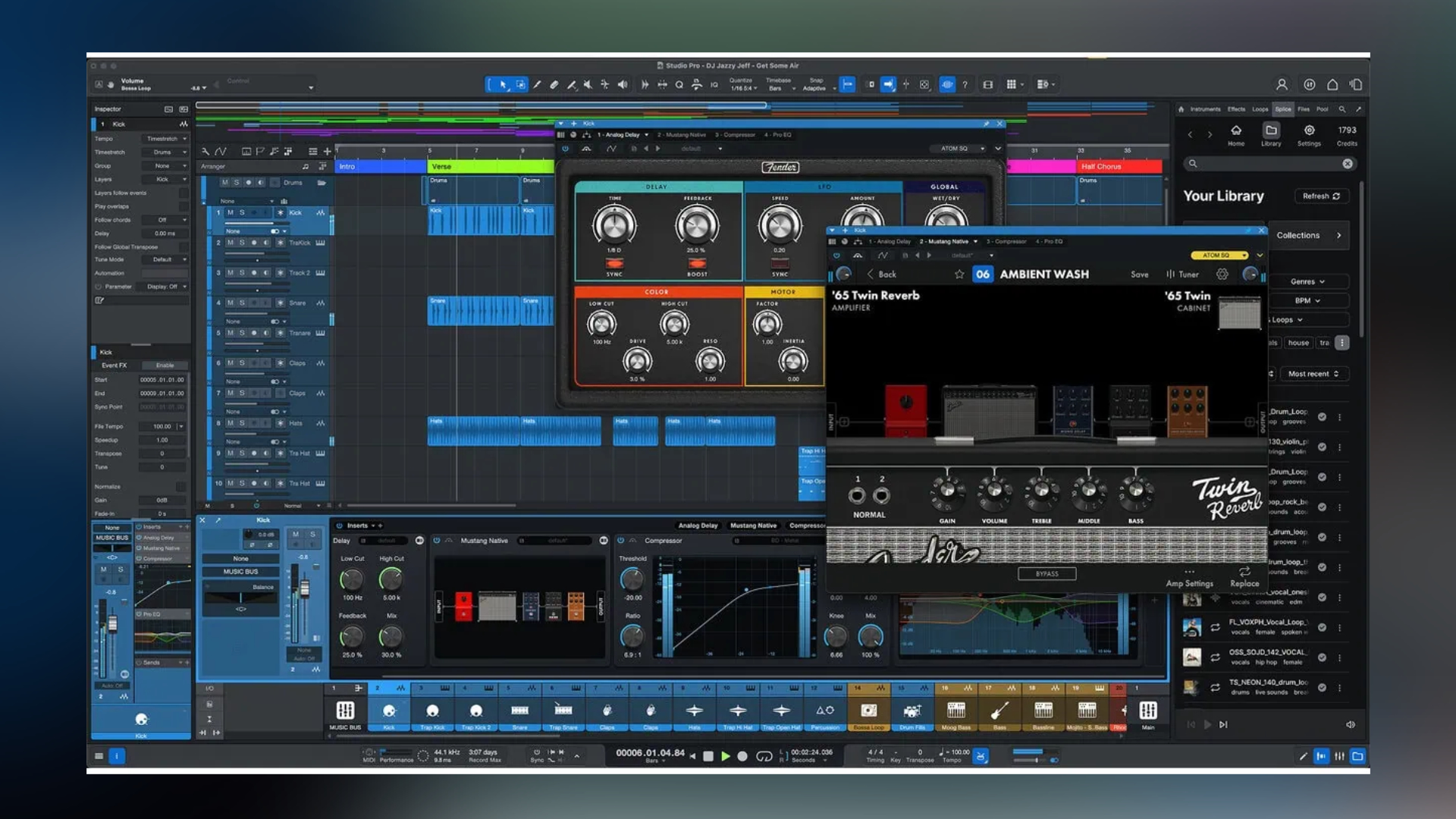
The switch came down to a few things that genuinely changed my workflow: easier plugin management, full VST and AU support, one-click file bouncing, and — most importantly — the ARA integration for pitch correction tools like Melodyne and Vovious. Pro Tools has caught up on some of these, but Studio One got there first and built its whole workflow around that kind of efficiency.
Now I use it every day to mix and master for artists ranging from Cuco and Rhea Raj to EricaDOA and many others. If you’re evaluating whether Fender Studio Pro is right for you, here are honest answers to the questions I see come up most often.
1. Is Studio One Free?
The short answer: not anymore. As of version 7, PreSonus retired the old free Prime tier and the mid-tier Artist version. There’s now one version of the DAW — fully featured — available in three ways:
- Perpetual License ($199.99): One-time payment, permanent access to the current version, plus one year of new feature updates included. After that year, you keep what you have and can upgrade when you’re ready.
- Perpetual License + Pro+ Annual Plan ($179.99/year): The perpetual license bundled with ongoing access to Pro+ extras — additional instruments, cloud features, and more.
- Pro+ Monthly Plan ($19.99/month): Rolling access to Fender Studio Pro and all Pro+ extras. Great if you want to try it before committing.
There’s also a free 30-day demo so you can get your hands on the full feature set risk-free.
Compared to Pro Tools — which can run $299/year or more — this is a genuinely affordable professional option, especially given everything that’s included out of the box.
2. Is Studio One a Good DAW?
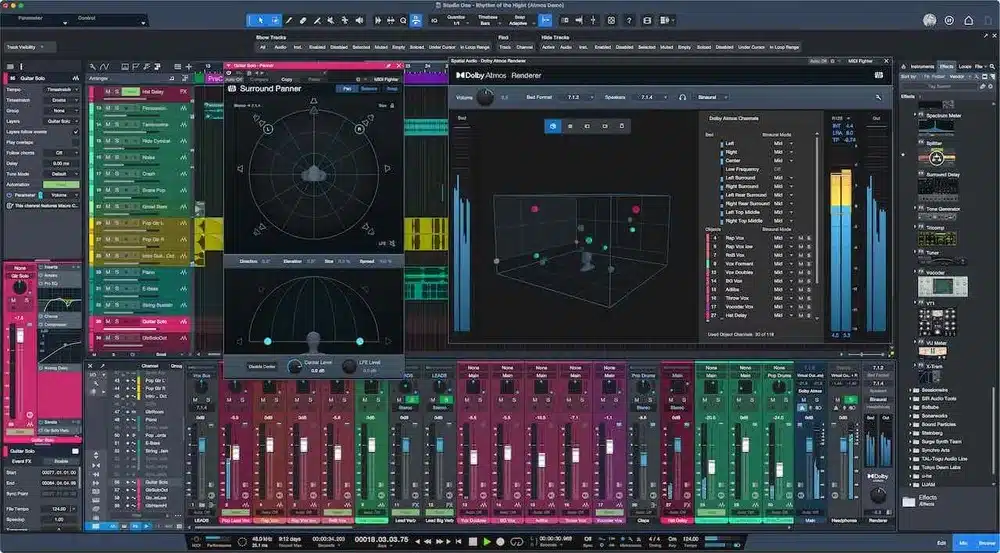
It’s one of the best I’ve used, and I’ve used most of them. What stands out to me professionally is the stability and the macro system. The ARA integration is rock-solid, and the ability to build macros that chain together multiple steps into a single keystroke has meaningfully sped up my mixing sessions. Tasks that used to take several clicks I can now do in one.
The drag-and-drop workflow is genuinely efficient, not just a marketing talking point. Moving plugins around between channels, reorganizing sessions mid-mix, setting up templates — all of it feels faster than any other DAW I’ve worked in. For someone doing around eight songs a week like I do, that speed compounds quickly.
It’s not perfect — no DAW is — but for the combination of stability, workflow, and value, it’s hard to beat.
3. Does Fender Studio Pro Come with Melodyne?
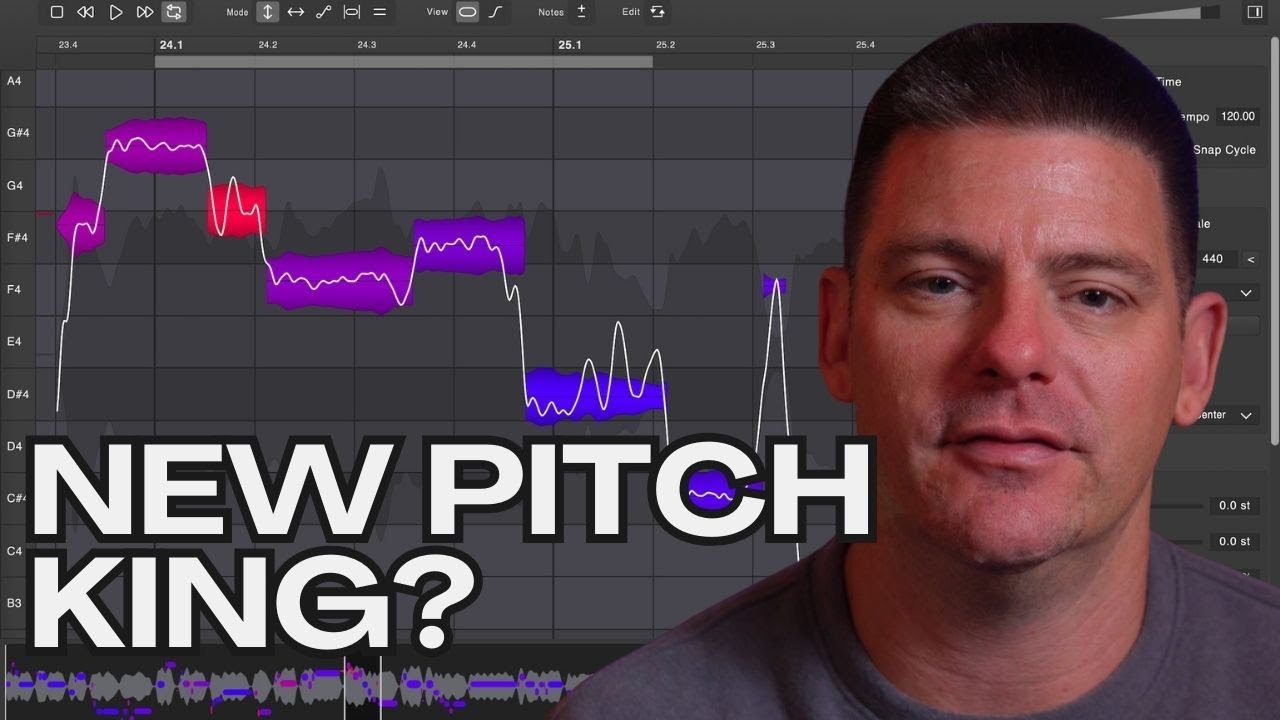
Yes, Melodyne Essential is included with Fender Studio Pro, and the ARA integration is what makes it genuinely useful in a professional context. I can start tuning a vocal in seconds — no bouncing, no exporting, no waiting. I click into the track and I’m in Melodyne immediately.
I also use Vovious now alongside Melodyne. Both work through ARA, and depending on the session and the singer, I’ll reach for one or the other. Vovious has become a go-to for certain styles. The fact that both run natively inside the DAW through ARA is a big deal for session speed.
Full Package
Get the full mix & master package
Billboard-charting engineer. Unlimited revisions. Radio-ready results.
4. Does Fender Studio Pro Have Autotune?
It doesn’t include the branded Auto-Tune software, but you can use Auto-Tune as a plugin and it works great. My actual workflow uses both tools for different purposes: I’ll use Auto-Tune as an effect when a track calls for that processed, on-pitch sound, and I’ll use Melodyne or Vovious when I’m doing detailed, surgical pitch correction work.
Those are really two different jobs. Auto-Tune as an effect, Melodyne/Vovious for fine-tuning. Having all three available inside Fender Studio Pro gives me flexibility depending on what the artist and genre need.
5. Compatibility with Mac and Windows
Fender Studio Pro runs on both macOS and Windows, with a Linux public beta also available. I run it on a Mac (M4 Pro MacBook Pro) and the performance is excellent — stable, low latency, handles large sessions without drama. It’s optimized for Apple Silicon and runs natively.
This cross-platform compatibility is worth noting for anyone working in a studio that runs mixed hardware, or for artists who need to move sessions between systems.
Professional Mastering
Need your song mastered?
Apple Digital Masters certified. Streaming-ready in 3–5 business days.
6. Do Professionals Use Fender Studio Pro?
Absolutely. I use it on every project that comes through my studio, including records for Cuco, EricaDOA, Rhea Raj, and more. It handles everything from hip-hop and R&B to indie and pop at a professional level, and the integrated mastering workflow means I can take a session from raw mix to release-ready master without ever leaving the DAW.
The professional community has grown significantly around it. It’s not the “alternative to Pro Tools” it used to be positioned as — it’s a legitimate first-choice DAW for a lot of working engineers and producers.
9. Which Version of Fender Studio Pro Should I Buy?
Since there’s now only one version of the software, the real question is which purchase model makes sense for you:
- Just getting started: The perpetual license at $199.99 is the best value. You own it, you keep it, and you get a full year of updates. No ongoing cost.
- Want everything ongoing: The Pro+ Annual plan bundles the perpetual license with continuous access to extras for $179.99/year. Worth it if you’re actively using the full ecosystem.
- Not ready to commit: The $19.99/month Pro+ plan lets you use everything while you decide. One month of access is less than a cheap plugin sale, so the barrier to trying it properly is low.
Compared to Pro Tools, this is a significantly cheaper option with no real compromise on professional capability.
10. Where Are Fender Studio Pro Plugins Located?
Plugins in Fender Studio Pro live in the Browse panel on the right side of the screen, alongside your instruments, loops, and samples. Drag a plugin onto a channel and it’s instantiated — that’s it. You can organize your plugin folders however you like, so your go-to tools stay accessible without digging.
This is actually one of the small workflow wins that adds up over a session. The plugin browser is fast, searchable, and doesn’t pull you out of your creative flow.
Custom Mix Coaching
Get a radio-ready mix — and learn exactly how it was made.
Unlimited revisions until it’s right, then you keep everything.
- ✓ Complete unlocked session file
- ✓ Custom vocal presets built for your voice
- ✓ Personal 30–60 min video breakdown of every decision
Conclusion
Fender Studio Pro is the DAW I trust every day with professional sessions. The ARA pitch correction integration, the macro system, the workflow speed, and the price point make it a genuinely compelling choice whether you’re just starting out or you’re a working professional looking for an alternative to the usual options.
If you’ve got sessions you’d like professionally mixed and mastered, feel free to reach out — I’d love to work on your music.